
Draw your ideas
Start from a simple shape, or trace a photo of something you already love — and Studio turns your outline into a real, knittable grid of stitches and rows. No charting by hand.
Start from a shape
Drop in a rectangle, triangle or ellipse and reshape it into your piece — no blank page to face.
-
Pick a starting shape
Begin with a basic shape that's close to what you want.
-
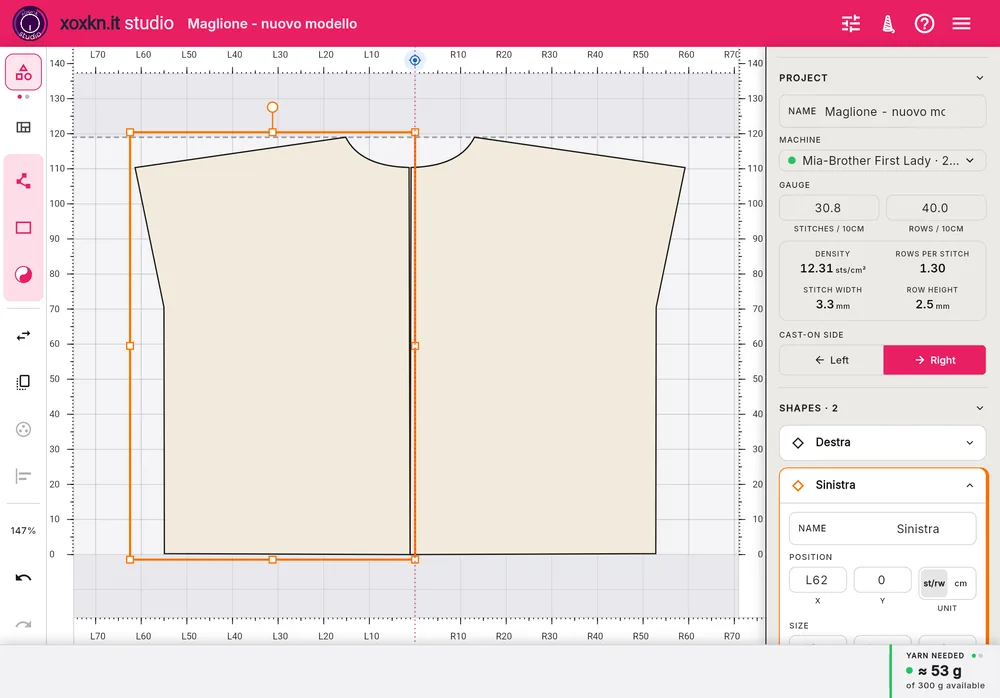
Edit points and edges
Drag the corners and sides until the outline is exactly your piece.
Trace from a photo
Place a photo behind the canvas as a backdrop and draw over it, so a garment you already have becomes your starting outline.
-
Add a backdrop photo
Bring in a photo of a shape or garment and size it to your grid.
-
Trace it by hand
Draw over the photo yourself to capture its shape — you stay in control of every line.
See it as real stitches
As you shape, Studio shows your outline as an honest grid of stitches and rows — what's on screen is exactly what you'll knit.
-
The grid is the pattern
Your shape shown as actual stitches, not a smoothed-over sketch.
-
Reshape any time
Change the outline and every stitch and row updates with it.
Add motifsComing soon — Pro version
Add and shape motifs to your design — choose from a library of thousands, or create your own.
-
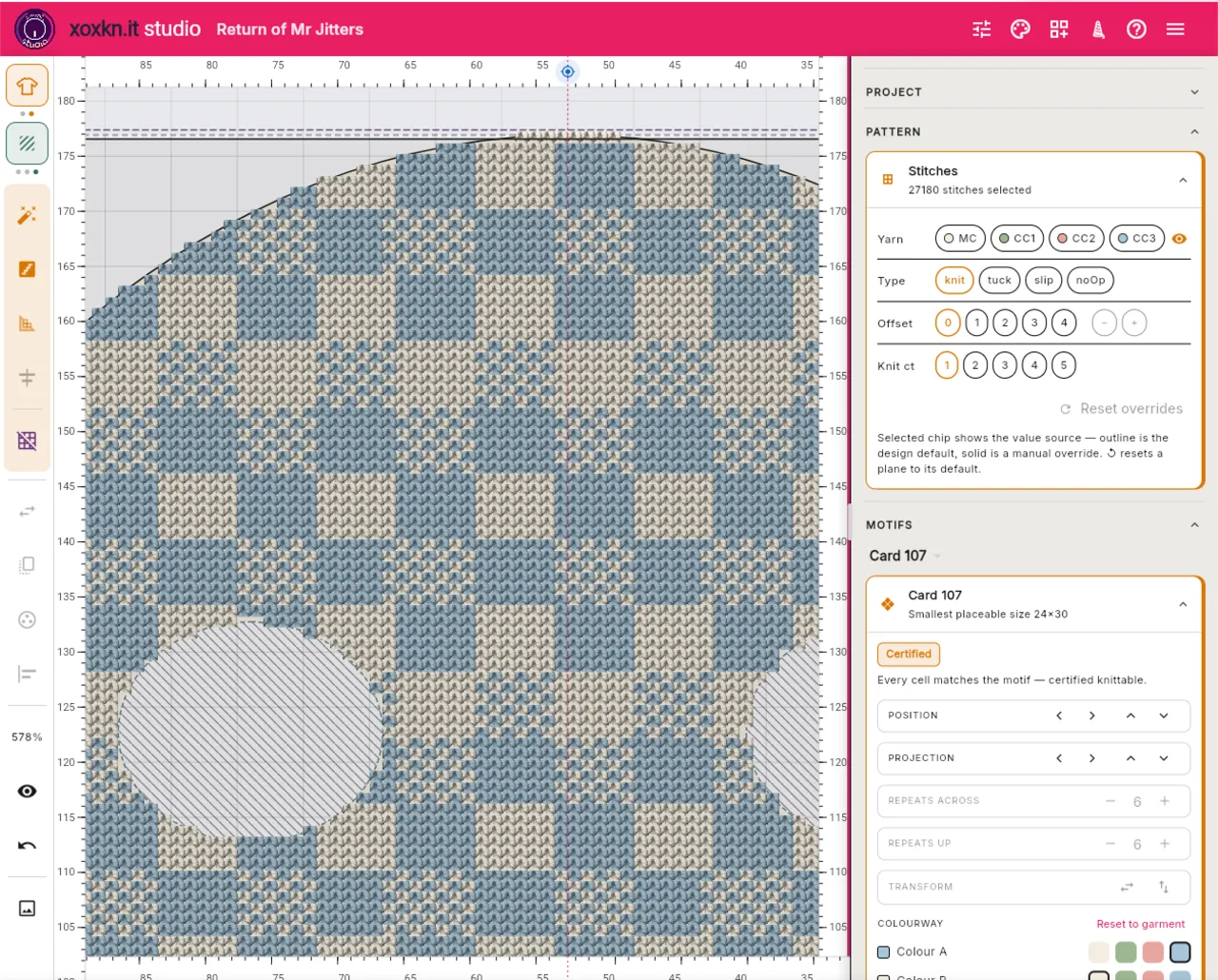
Change the look with colourways
Use colourways to change the look in an instant.
-
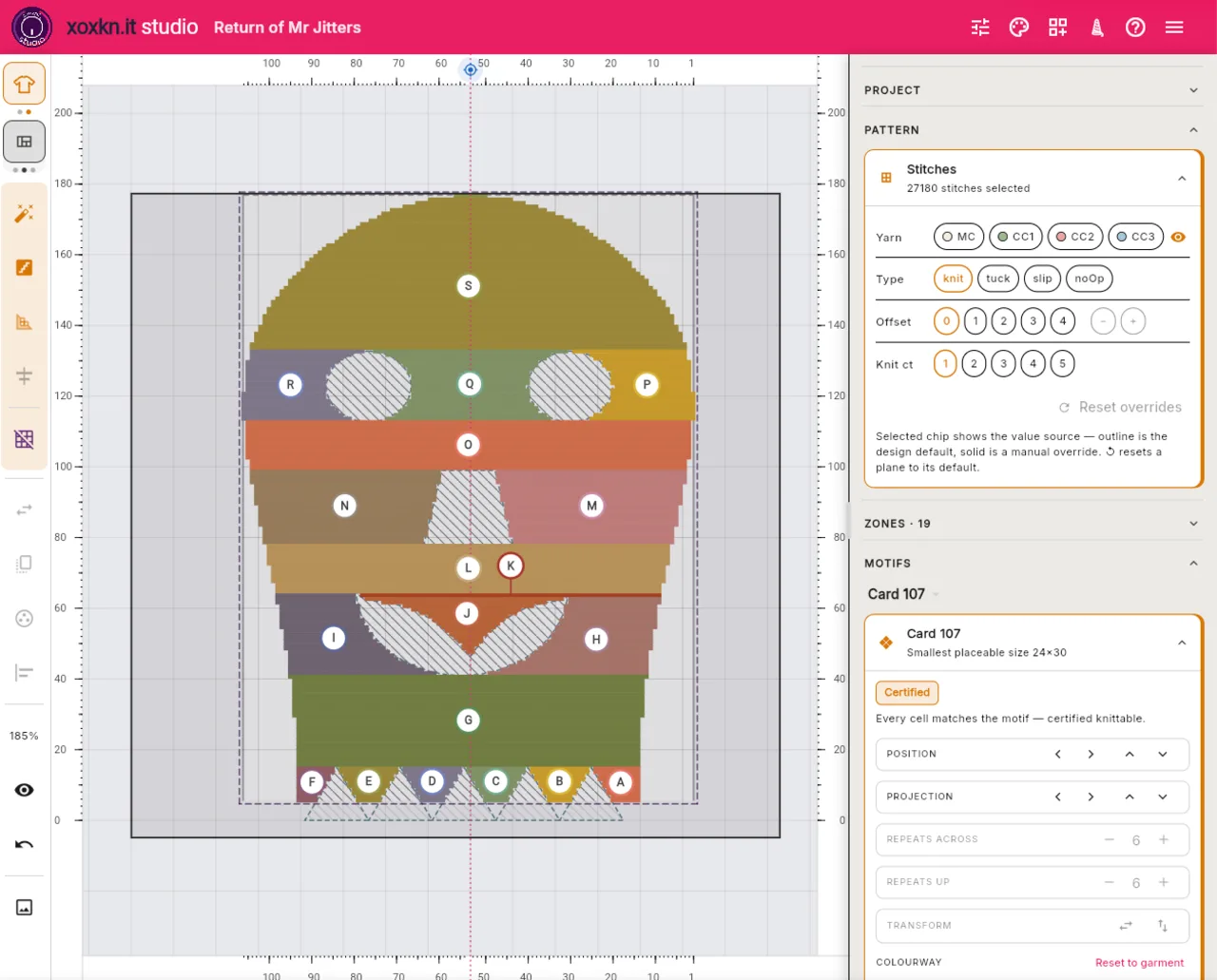
Go beyond stockinette
Single and double bed jacquard, slip, and lace designs.
-
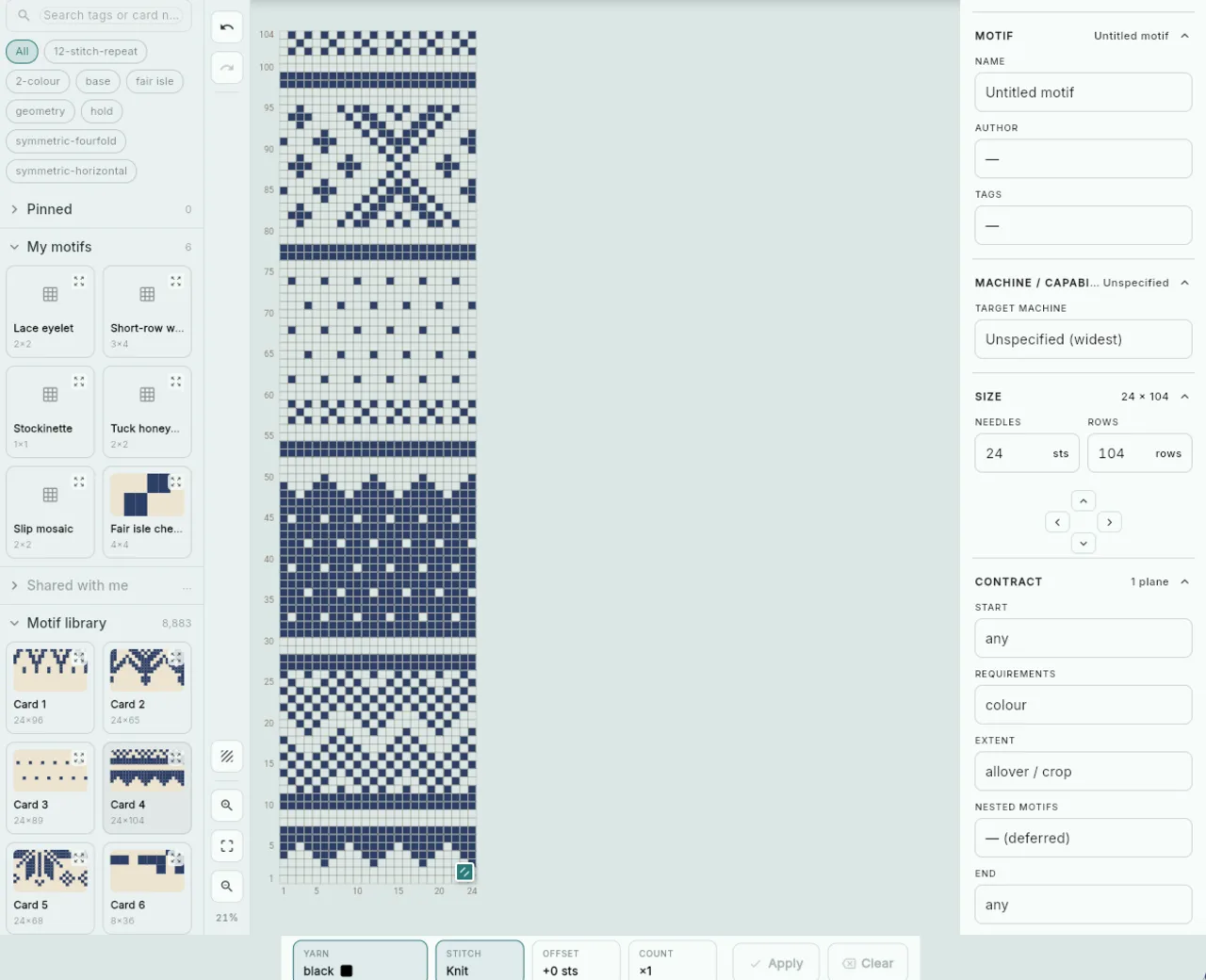
See it rendered instantly
Your work rendered instantly on screen.
-
Produce your own punchcards
Customise any motif for any machine, and print a punchcard template.